
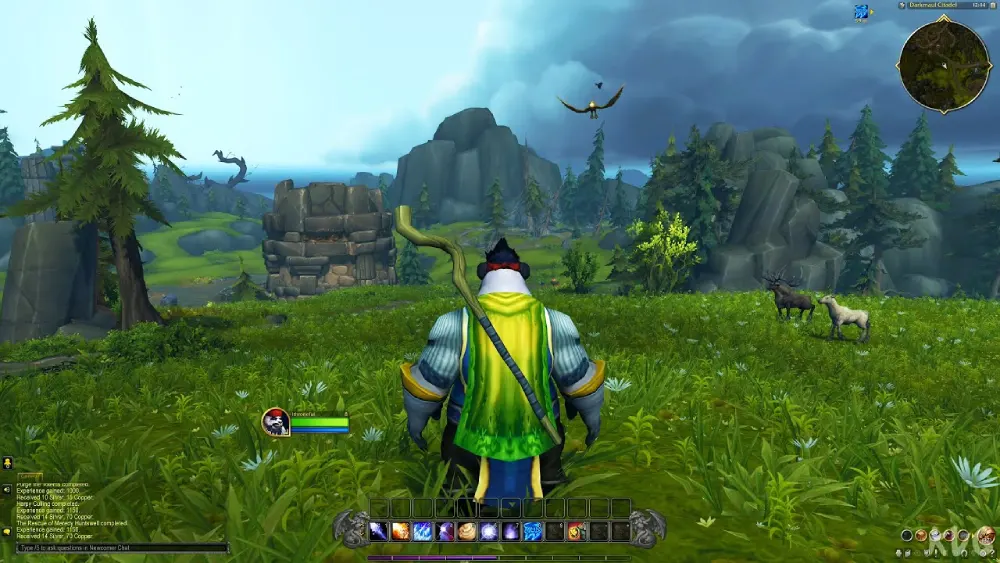
World of Warcraft (WoW) requires rapid decision-making and precision, whether you are pushing high Mythic+ keys, raiding, or dominating in the PvP arena. Mastering WoW keyboard shortcuts is the transition point between being a casual player and a competitive champion. Clicking your abilities with a mouse (often called “clicking”) severely limits your reaction time, making these default keybindings absolutely essential for maximizing your damage output and situational awareness.
This guide provides a comprehensive list of the core WoW shortcuts for the modern 2026 expansions. By memorizing these hotkeys, you can keep your eyes on the encounter mechanics rather than your action bars.
Movement and Camera Controls
Efficient positioning is critical to surviving boss mechanics and navigating Azeroth safely.
| Action | Keyboard / Mouse Key |
| Move Forward / Backward | W / S |
| Turn Left / Right | A / D |
| Strafe Left / Right | Q / E |
| Jump | Spacebar |
| Auto-Run Toggle | Num Lock (or Mouse Button 4) |
| Sit / Stand / Descend (Flying) | X |
| Sheathe / Unsheathe Weapon | Z |
| Zoom Camera In / Out | Mouse Wheel Up / Down |
| Pitch Camera Up / Down | Insert / Delete |
Combat and Action Bar Shortcuts
Accessing your spells instantly is the foundation of your rotation.
| Action | Keyboard Key |
| Primary Action Bar (Slots 1-12) | 1 through 0, -, = |
| Target Nearest Enemy | Tab |
| Target Nearest Friend | Ctrl + Tab |
| Assist Target (Target’s Target) | F |
| Show Enemy Nameplates | V |
| Show Friendly Nameplates | Shift + V |
| Show All Nameplates | Ctrl + V |
| Interrupt / Stop Casting | Esc |
Interface and Panel Hotkeys
Open vital menus quickly without searching through the micro-menu on your screen.
| Action | Keyboard Key |
| Character Info | C |
| Open All Bags | B |
| Open Map & Quest Log | M |
| Spellbook & Abilities | P |
| Talents & Specialization | N |
| Guild & Communities | J |
| Dungeon Finder / Group Finder | I |
| Collections (Mounts/Pets) | Shift + P |
| Adventures / Mission Table | H |
| Achievements Menu | Y |
Social and Targeting Commands
Coordinate with your party or raid team efficiently using these communication shortcuts.
| Action | Keyboard Key |
| Target Self | F1 |
| Target Party Members | F2 through F5 |
| Reply to Last Whisper | R |
| Open Chat Input | Enter |
| Open Chat Command (Slash) | / |
| Toggle UI Visibility (Hide UI) | Alt + Z |
| Set Focus Target | (Needs to be bound in settings, typically F or Mouse 3) |
Professional Tip: Modifier Keys and Macros
The default 1 through = keys are often not enough for a max-level character’s full spellbook. The most effective strategy for pro players is to utilize Modifier Keys (Shift, Ctrl, and Alt). By binding your secondary action bars to Shift + 1, Shift + 2, or Ctrl + E, you effectively triple the number of abilities you can reach without moving your hand away from the WASD movement cluster.
Additionally, if you find reaching the numbers 7 through = difficult during combat, it is highly recommended to rebind those action bar slots to keys closer to your resting hand position, such as R, T, F, G, C, and V.