
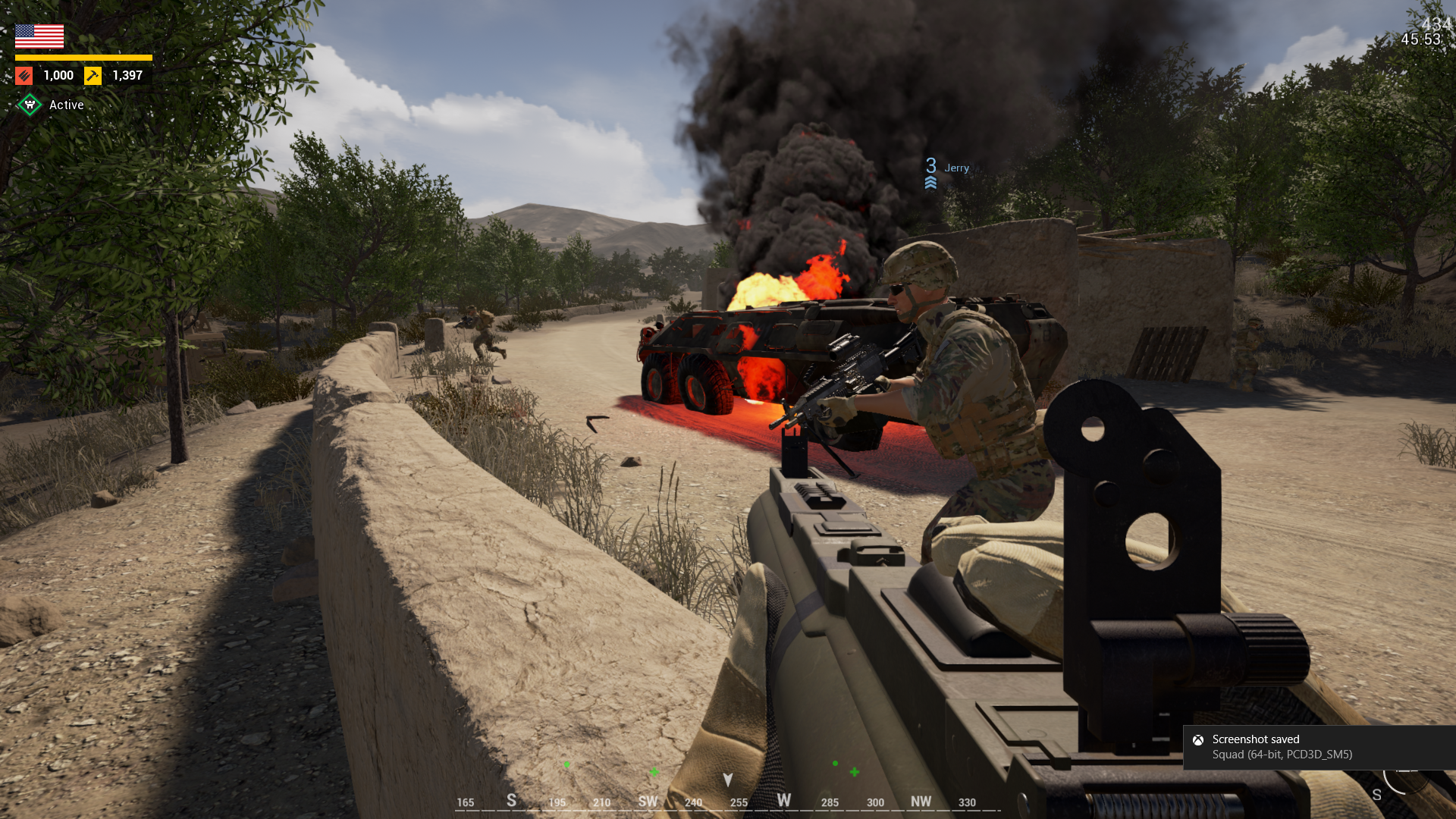
Surviving a chaotic firefight in Offworld Industries tactical shooter requires more than accurate aim. Success relies on rapid communication, precise positioning, and knowing exactly which key to press when artillery strikes a Forward Operating Base. Fumbling through settings while a medical evacuation happens costs tickets and loses matches. This guide breaks down the default keybinds and advanced configurations needed to operate efficiently as an infantryman, vehicle crewman, or Squad Leader.
Core Movement and Infantry Stances
Staying alive means utilizing cover effectively and moving tactically. You must manage your stamina bar to keep your weapon steady during engagements and use the lean mechanics to reduce your visible profile.
| Action | Default Key |
| Move Forward | W |
| Move Backward | S |
| Move Left | A |
| Move Right | D |
| Lean Left | Q |
| Lean Right | E |
| Sprint | Left Shift |
| Jump / Vault | Space |
| Crouch | Left Ctrl |
| Prone | Z |
| Free Look | Left Alt |
| Interact / Bandage | F |
Using the Free Look feature allows you to scan your surroundings while running in a straight line. This is a critical habit for spotting enemy movement in dense forests or urban environments without slowing your momentum.
Communication and VOIP Keybinds
Voice over IP forms the backbone of coordination in this game. You must master the different radio channels to avoid flooding the command network with irrelevant local callouts.
| Action | Default Key |
| Local Voice (3D Proximity) | V |
| Squad Voice (Green Channel) | B |
| Command Voice (All Squad Leaders) | G |
| Direct Squad Leader Comm 1 to 9 | Numpad 1 to Numpad 9 |
| Text Chat (All) | J |
| Text Chat (Team) | K |
| Text Chat (Squad) | L |
Using the numeric keypad to speak directly to another Squad Leader prevents the main command channel from becoming a chaotic mess. If you are SL 3 and need armor support from SL 4, press Numpad 4 instead of broadcasting your request to the entire team.
Weapon Mechanics and Ranging Controls
Hitting targets at 400 meters requires understanding the zeroing mechanics. Bullet drop is realistic, and estimating distance using your binoculars or map grid is required before opening fire.
| Action | Default Key |
| Fire Weapon | Left Mouse Button |
| Aim Down Sights (ADS) | Right Mouse Button |
| Reload | R |
| Focus Aim / Hold Breath | Left Shift |
| Deploy Bipod | C |
| Adjust Sight Ranging | X plus Mouse Wheel |
| Select Primary Weapon | 1 |
| Select Sidearm | 2 |
| Select Explosives / Utility | 3, 4, 5, 6 |
| Check Ammunition | Hold R |
Deploying a bipod on a machine gun or marksman rifle drastically reduces recoil. Press C to attach the weapon to flat surfaces like windowsills or sandbags. To adjust your optic zeroing, hold X and scroll your mouse wheel. This shifts your reticle to match the target distance, allowing you to aim dead center instead of guessing the drop over long distances.
Vehicle Operation and Logistics
Armor and logistics trucks dictate the flow of the match. Driving a logi requires specific binds to drop construction and ammo points at a HAB (Hesco Accommodation Bunker).
| Action | Default Key |
| Enter / Exit Vehicle | F |
| Start / Stop Engine | E |
| Switch to Driver Seat | F1 |
| Switch to Gunner Seat | F2 |
| Switch to Commander Seat | F3 |
| Passenger Seats | F4 to F12 |
| Zoom Vehicle Camera | Q |
| Drop Construction Supplies | Left Click (Hold) |
| Drop Ammunition Supplies | Right Click (Hold) |
| Vehicle Smoke Discharger | X |
When operating a Main Battle Tank or an APC, communication between the driver and gunner is absolute. Always turn off the engine by pressing E when parked in a defensive position to eliminate noise and avoid detection by enemy infantry.
Advanced Squad Leader Interface Binds
Squad Leaders carry the burden of placing spawn points and coordinating strikes. The T key opens the primary radial menu for placing a Rally Point or a Forward Operating Base radio. However, right clicking directly on the deployment map provides a much faster way to mark enemy armor or request a commander artillery barrage without looking away from cover. You can also press Caps Lock to open the command map, which provides a larger view of the battlefield compared to the standard M map.
Frequently Asked Questions about Squad Controls
How do I drop supplies from a logistics truck in Squad?
You must be in the driver or commander seat of the logistics truck. Drive into the blue radius of a friendly Forward Operating Base. Hold the Left Mouse Button to unload construction materials, or hold the Right Mouse Button to unload ammunition.
How do you fix mic not working in Squad?
The game engine requires your microphone to be set as the default communication device in your Windows sound control panel before launching the application. If you plug in a headset after the game is open, the audio engine will not recognize it, and you must restart the client.
How do I use the ranging feature on my scope?
Look through your optic by holding the right mouse button. Hold the X key on your keyboard and scroll your mouse wheel up or down. You will see the distance number change in the bottom right corner of your screen, adjusting your reticle for bullet drop.
How do you flip a stuck vehicle?
Approach the flipped vehicle on foot. Hold the F key to open the radial interaction menu. Select the tire icon to begin the reset process. You will need to walk around the vehicle and hold the action key until the radial circle fills completely.
What is the shortcut to zoom the map?
Press the M key to open your standard tactical map. Hover your cursor over the map interface and use the mouse wheel to zoom in for precise grid coordinates or zoom out for a strategic overview of the entire region.
How do I place a rally point?
You must be the Squad Leader and have at least one other squad member standing within a few meters of your position. Press the T key to open your radial menu, select the Rally Point option, and click to drop the spawn bag on the ground.