
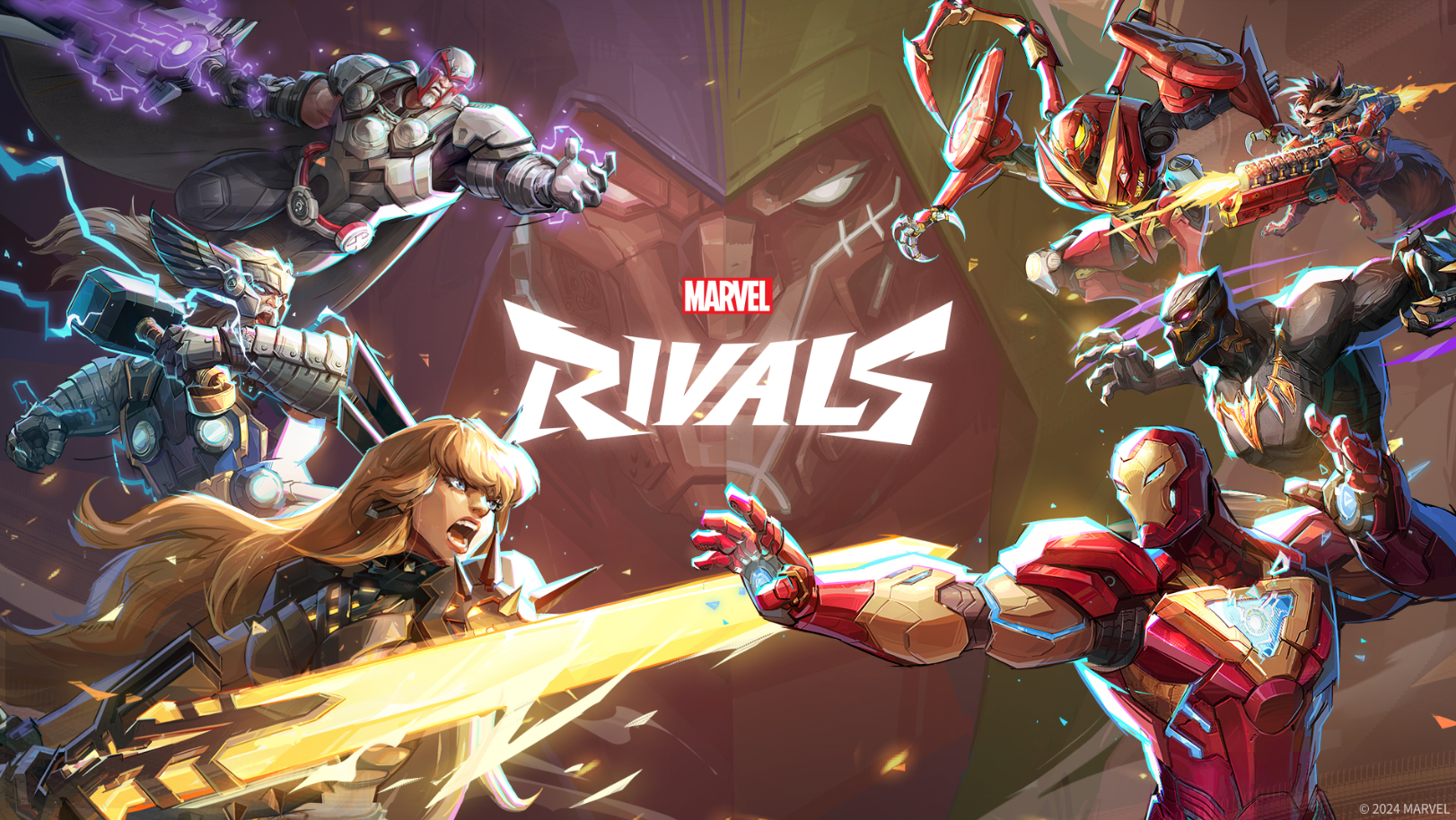
Marvel Rivals is a fast-paced, team-based hero shooter that requires quick reflexes and a deep understanding of its character-specific mechanics. Mastering the Marvel Rivals PC keyboard controls is the fundamental step for any player looking to climb the competitive ranks. Because the game features vertical combat and unique “Team-Up” abilities, having the default keybindings memorized allows you to focus on tactical positioning and ability timing rather than searching for the right key during a chaotic team fight.
The Marvel Rivals shortcuts are designed to be intuitive for fans of the hero shooter genre, utilizing the standard WASD cluster for movement while placing primary abilities within easy reach. Understanding the nuances of the Marvel Rivals keybindings, such as the dual-purpose jump and ascend key or the specific triggers for team-based synergies, is what separates casual players from the pros. This guide provides a comprehensive breakdown of all controls to ensure you have the technical edge in every match.
Movement Controls
These keys handle your hero’s positioning on the ground and in the air.
| Action | Keyboard Key |
| Move Forward | W |
| Move Backward | S |
| Move Left | A |
| Move Right | D |
| Jump / Ascend | Space |
| Descend | Left Ctrl |
Weapon and Combat Controls
Basic offensive maneuvers and weapon management shortcuts.
| Action | Keyboard Key |
| Primary Attack | Left Click |
| Secondary Attack | Right Click |
| Reload | R |
| Quick Melee Attack | V |
| Switch Weapon 1 | 1 |
| Switch Weapon 2 | 2 |
| Next / Previous Weapon | Mouse Wheel |
Hero Abilities and Ultimates
Every hero features a unique set of abilities grouped around your movement keys.
| Action | Keyboard Key |
| Ability 1 | E |
| Ability 2 | Left Shift |
| Ability 3 | F |
| Ultimate Ability | Q |
Team-Up and Interactive Controls
Special synergies between heroes and environmental interactions.
| Action | Keyboard Key |
| Team-Up Ability 1 | Z |
| Team-Up Ability 2 | X |
| Team-Up Ability 3 | C |
| Interact / Ping | G / Middle Mouse Button |
System and UI Shortcuts
Navigation keys for menus, social features, and match information.
| Action | Keyboard Key |
| Scoreboard | Tab |
| Change Hero (in Spawn) | H |
| Hero Profile / Info | F1 |
| Chrono Vision | B |
| Pause Menu | Escape |
| Text Chat | Enter |
| Voice Chat (Push to Talk) | T |
Optimization Tip for Marvel Rivals
Many competitive players find that binding the “Descend” action to a side mouse button or the “C” key provides better control during aerial combat with heroes like Iron Man or Doctor Strange. Additionally, if you find the “V” key difficult to reach for melee, remapping it to an extra mouse button can significantly improve your reaction time in close-quarters skirmishes.
These default controls provide a solid foundation for your Marvel Rivals experience, but remember that most of these settings can be customized in the gameplay options menu to better suit your personal playstyle or specific hardware setup.