
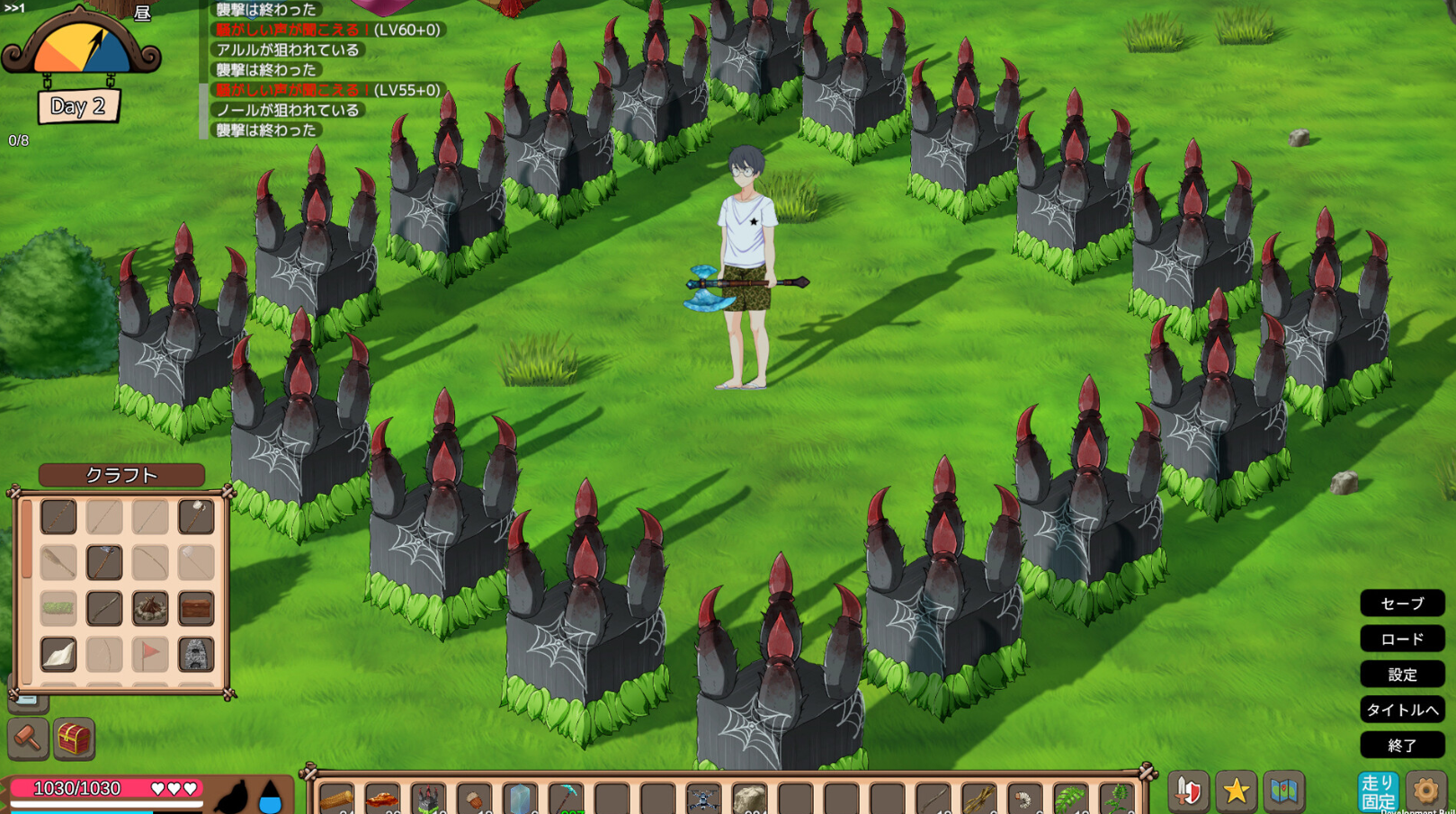
Survival in Mad Island requires a quick understanding of both exploration and combat mechanics. Because the game blends traditional survival crafting with intense real-time action, mastering the Mad Island PC keyboard controls is the first step toward building a secure base and surviving the island’s many threats. This guide outlines the essential default keybindings for movement, inventory management, and tactical combat to help you navigate the environment more effectively.
Using the correct Mad Island shortcuts allows you to fluidly transition between gathering resources and defending yourself from hostile inhabitants. Since the game features a variety of tools and weapons, knowing your keyboard shortcuts for quick-slot swapping and menu navigation is critical for staying alive during high-pressure encounters. This comprehensive list of Mad Island keybindings will ensure you spend less time looking at your keys and more time mastering the island’s secrets.
Movement and Navigation Controls
Basic character movement and environmental traversal are handled through standard keys.
| Action | Keyboard Key |
| Move Forward | W |
| Move Backward | S |
| Move Left | A |
| Move Right | D |
| Sprint | Left Shift |
| Jump | Space |
| Crouch | Left Ctrl |
| Roll / Dodge | Alt |
Combat and Tool Interactions
Efficiently using your equipment is the difference between thriving and failing on Mad Island.
| Action | Keyboard Key |
| Attack / Use Tool | Left Mouse Button |
| Guard / Block / Aim | Right Mouse Button |
| Interact / Pick Up | E |
| Reload | R |
| Special Action | F |
| Quick Slot Selection | 1 – 8 |
| Holster / Unsheathe | X |
Inventory and System Shortcuts
Managing your resources and navigating the game’s interface.
| Action | Keyboard Key |
| Inventory Menu | Tab |
| Crafting Menu | C |
| Map | M |
| Status / Character Info | I |
| Pause Menu | Escape |
| Building Mode | B |
Advanced Action Mechanics
To master the gameplay loop of Mad Island, you should be familiar with these specific mechanical combinations.
Tactical Dodging
During combat, combining a direction key (A, S, D, W) with the Alt key allows you to perform a dodge roll. This provides a brief window of invulnerability and is essential for avoiding heavy attacks from larger enemies.
Quick Crafting and Sorting
When your inventory is open, you can often use the Shift + Left Click shortcut to quickly move items between your backpack and storage containers. Keeping your inventory organized via these Mad Island keyboard shortcuts will save valuable time when preparing for an expedition.
Building and Placement
While in building mode, use the Q and E keys or the Mouse Wheel to rotate structures before placing them. This ensures your base layout is optimized for defense and utility.
These controls represent the standard setup for the PC version. If you find certain actions difficult to reach during combat, most of these Mad Island default controls can be reconfigured in the game’s settings menu to better fit your personal playstyle.