
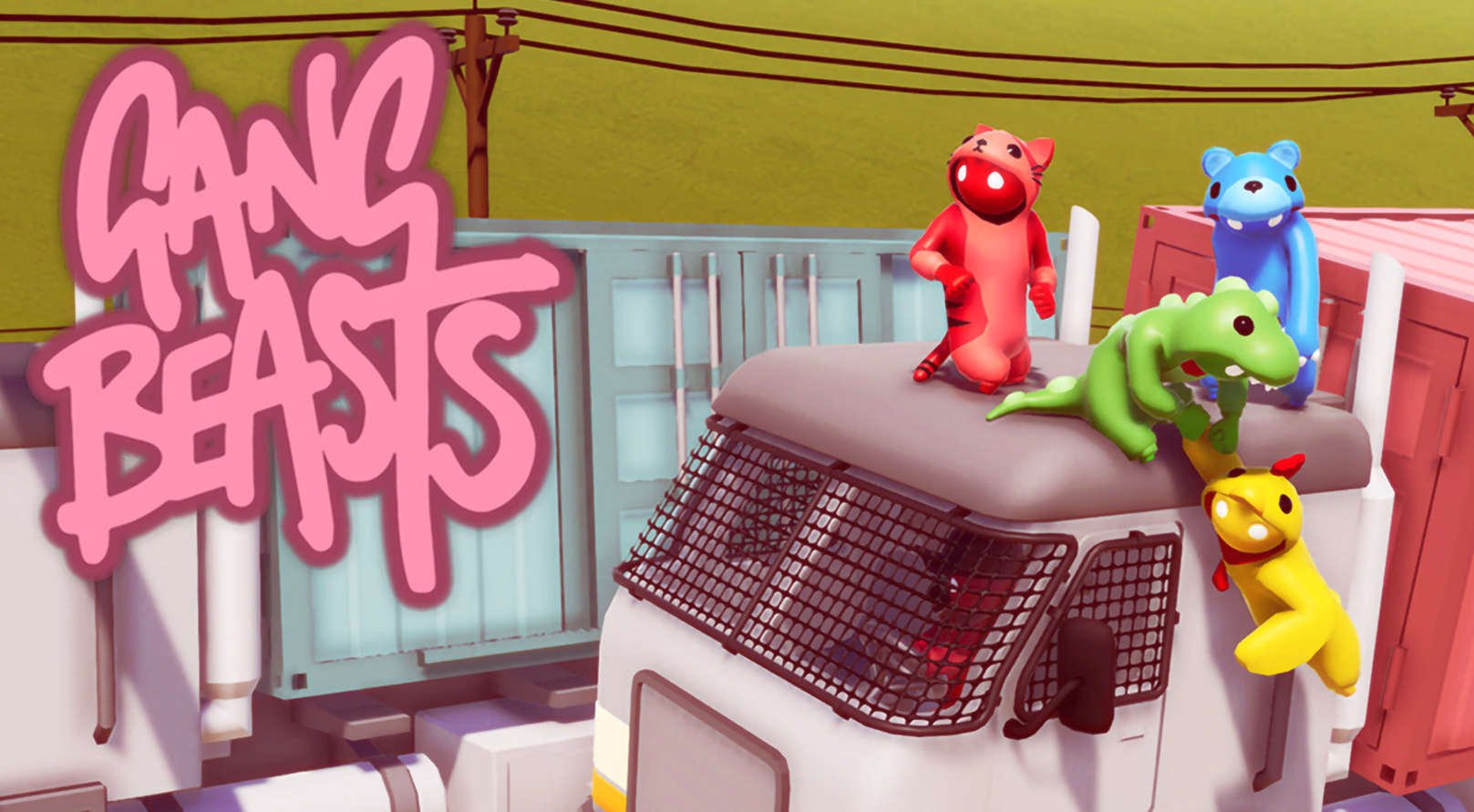
Gang Beasts is a physics-based party brawler where gelatinous characters fight in hazardous environments. Mastering the Gang Beasts PC controls is essential for executing advanced maneuvers like climbing, suplexing, or throwing opponents off ledges. This guide provides the complete keyboard shortcuts and default keybindings for the Steam and PC versions to help you dominate the arena.
Understanding the Gang Beasts keybindings allows players to move beyond simple button mashing. Since the game relies on physics-driven interactions, knowing how to combine the “Grab” and “Lift” keys effectively is the key to victory. Precise timing with the headbutt and kick actions can disrupt an opponent’s balance, making it easier to toss them out of the ring in maps like Incinerator or Gondola.
Movement Controls
These keys handle your character’s basic navigation and positioning during a fight.
| Action | Keyboard Key |
| Move Forward | W |
| Move Backward | S |
| Move Left | A |
| Move Right | D |
| Jump | Space |
| Crouch | Left Ctrl |
| Sprint | Hold Space (while moving) |
| Sit | Hold Left Ctrl (while stationary) |
Combat and Interaction Controls
The core mechanics of Gang Beasts involve grabbing, punching, and lifting your opponents.
| Action | Keyboard Key |
| Left Punch / Left Grab | < (Comma) or Left Click |
| Right Punch / Right Grab | > (Period) or Right Click |
| Kick | M |
| Headbutt | Left Shift |
| Lift | Shift (Hold while grabbing) |
Camera and System Controls
Use these keys to adjust your view or manage the game session.
| Action | Keyboard Key |
| Adjust Camera | Arrow Keys |
| Zoom In / Out | + / – (Numpad) |
| Toggle HUD | H |
| Pause Menu | Escape |
Advanced Mechanics and Combinations
To perform advanced moves in Gang Beasts, you must combine multiple inputs simultaneously.
How to Climb
To climb walls or ledges, press both Left and Right Grab (< and >) to latch onto the surface. Hold the Jump (Space) key while releasing and re-grabbing with one hand at a time to pull your character upward.
How to Throw Opponents
First, knock an opponent unconscious using a Headbutt (Left Shift) or a well-timed Kick (M). Once they are down, use both Grab keys to hold them, then hold the Lift key (Shift) to raise them above your head. Release the grab keys while moving toward a ledge to throw them.
Diving
While running, press Jump (Space) followed quickly by Headbutt (Left Shift) to perform a diving headbutt. This is a high-risk, high-reward move that can easily knock out opponents but may leave you vulnerable if you miss.