
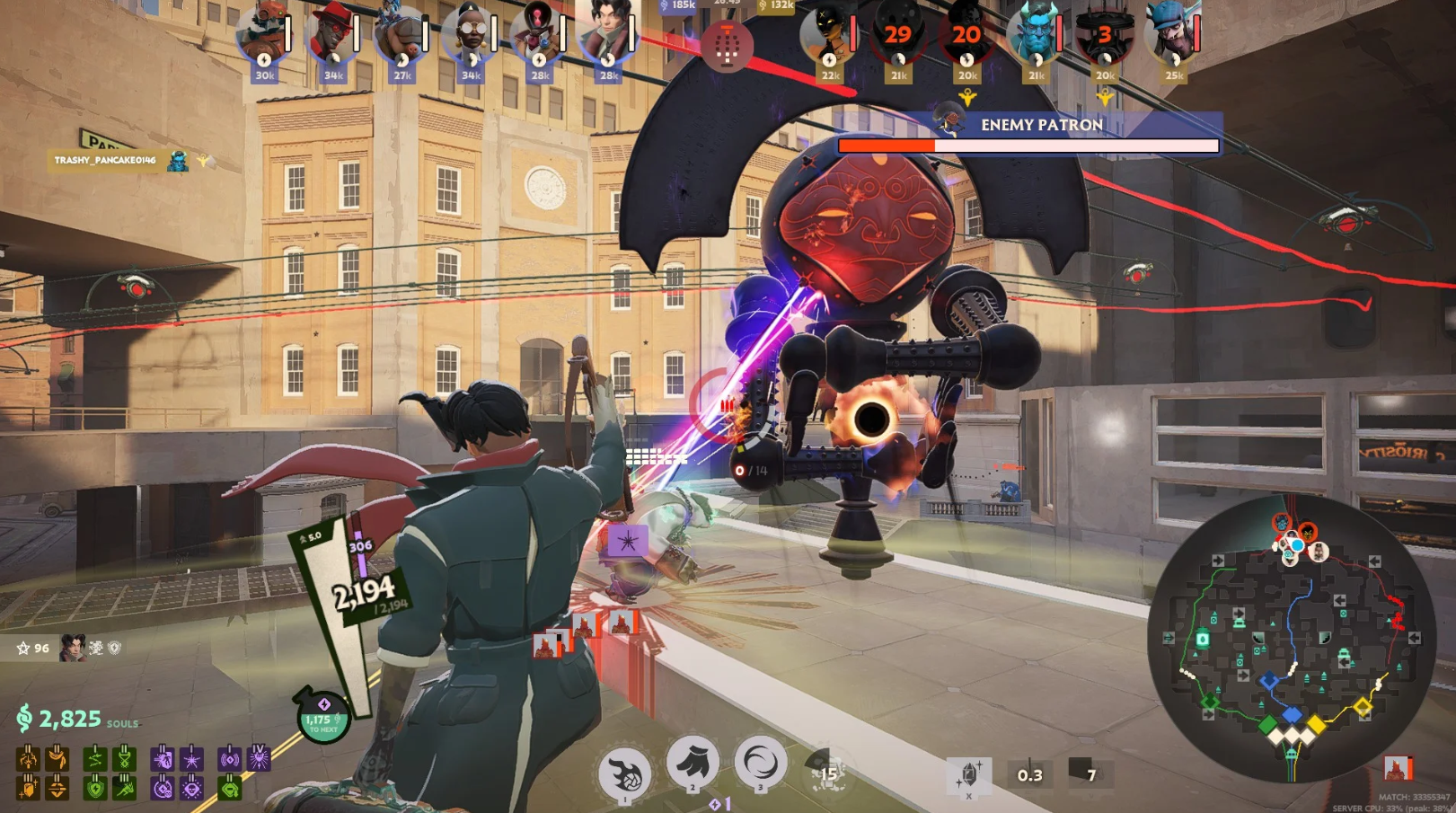
Deadlock is Valve’s ambitious blend of a hero shooter and a MOBA, demanding both tactical foresight and mechanical precision. Mastering the Deadlock PC keyboard controls is the first step toward dominating your lane and coordinating game-changing team fights. Because the game features a complex “Souls” economy and unique movement mechanics like ziplining and sliding, understanding the default keybindings is essential for any player looking to transition from casual play to the competitive ranks.
The Deadlock shortcuts follow a hybrid layout that will feel familiar to fans of both Dota 2 and Overwatch. However, the inclusion of verticality and physics-based movement means that your keyboard shortcuts for dashing and parrying are just as critical as your ability triggers. This guide provides a comprehensive breakdown of the default Deadlock keybindings for the 2026 version of the game, helping you optimize your inputs for maximum efficiency on the battlefield.
Movement and Navigation Controls
Movement in Deadlock is exceptionally fluid, incorporating stamina-based dashes and vertical traversal.
| Action | Keyboard Key |
| Move Forward | W |
| Move Backward | S |
| Move Left (Strafe) | A |
| Move Right (Strafe) | D |
| Jump / Mantle | Space |
| Dash | Left Shift |
| Crouch / Slide | Left Ctrl (Slide while sprinting) |
| Zipline Interaction | Space (Hold near line) |
Hero Abilities and Combat
Every hero in Deadlock has four unique abilities and a primary weapon that requires careful management.
| Action | Keyboard Key |
| Primary Fire | Left Click |
| Zoom / Alt Fire | Right Click |
| Ability 1 | 1 |
| Ability 2 | 2 |
| Ability 3 | 3 |
| Ultimate Ability (4) | 4 |
| Reload | R |
| Melee Attack | V |
| Parry / Throw Item | F |
| Cancel Ability | Space |
| Self Cast Modifier | Middle Mouse Button (or Scroll Wheel) |
Item and Inventory Management
As a MOBA-hybrid, your active items (Active Skills) are just as important as your hero’s natural abilities.
| Action | Keyboard Key |
| Use Item Slot 1 | Z |
| Use Item Slot 2 | X |
| Use Item Slot 3 | C |
| Use Item Slot 4 | V (Note: Defaults may overlap with Melee) |
| Open Item Shop | B (While in base or near shop) |
| Upgrade Ability | Alt + [1-4] |
Communication and System Controls
Coordination is key to securing objectives and timing your ultimate abilities.
| Action | Keyboard Key |
| Ping System | Mouse Wheel Click |
| Hold Ping (Communication Wheel) | Hold Mouse Wheel Click |
| Scoreboard | Tab |
| Toggle Voice Chat | T (Push to Talk) |
| Text Chat | Enter |
| Toggle Free Cursor | J |
| Pause Game | P |
| Developer Console | F7 |
Advanced Movement Mechanics
To truly excel in the late game, you must master the combined movement shortcuts that allow for high-speed rotations.
The Dash-Jump and Slide
Executing a Dash-Jump (Shift followed immediately by Space) consumes more stamina but allows you to cover large gaps or surprise enemies. Similarly, using the Slide mechanic (Left Ctrl while sprinting) provides a smaller hitbox and maintains momentum, making you a much harder target to track during a firefight.
Zipline Management
While on the zipline, you can use the Space key to jump off early, or hold it to re-attach if you are falling near a line. Managing your zipline speed and knowing the shortcuts to dismount safely is critical for flanking maneuvers.
Tactical Parrying
The Parry (F) mechanic is high-risk but high-reward. A successful parry will stun an enemy hero attempting a melee attack, opening them up for a full combo. Most pro players recommend rebinding this to a side mouse button to ensure the reaction time is as low as possible.
These Deadlock default controls are fully customizable in the “Hotkeys” tab within the Settings menu. As the game is in active development, many players find success by moving the 1-4 abilities to keys like Q, E, F, and G to keep their fingers closer to the movement keys during high-intensity lane phases.