
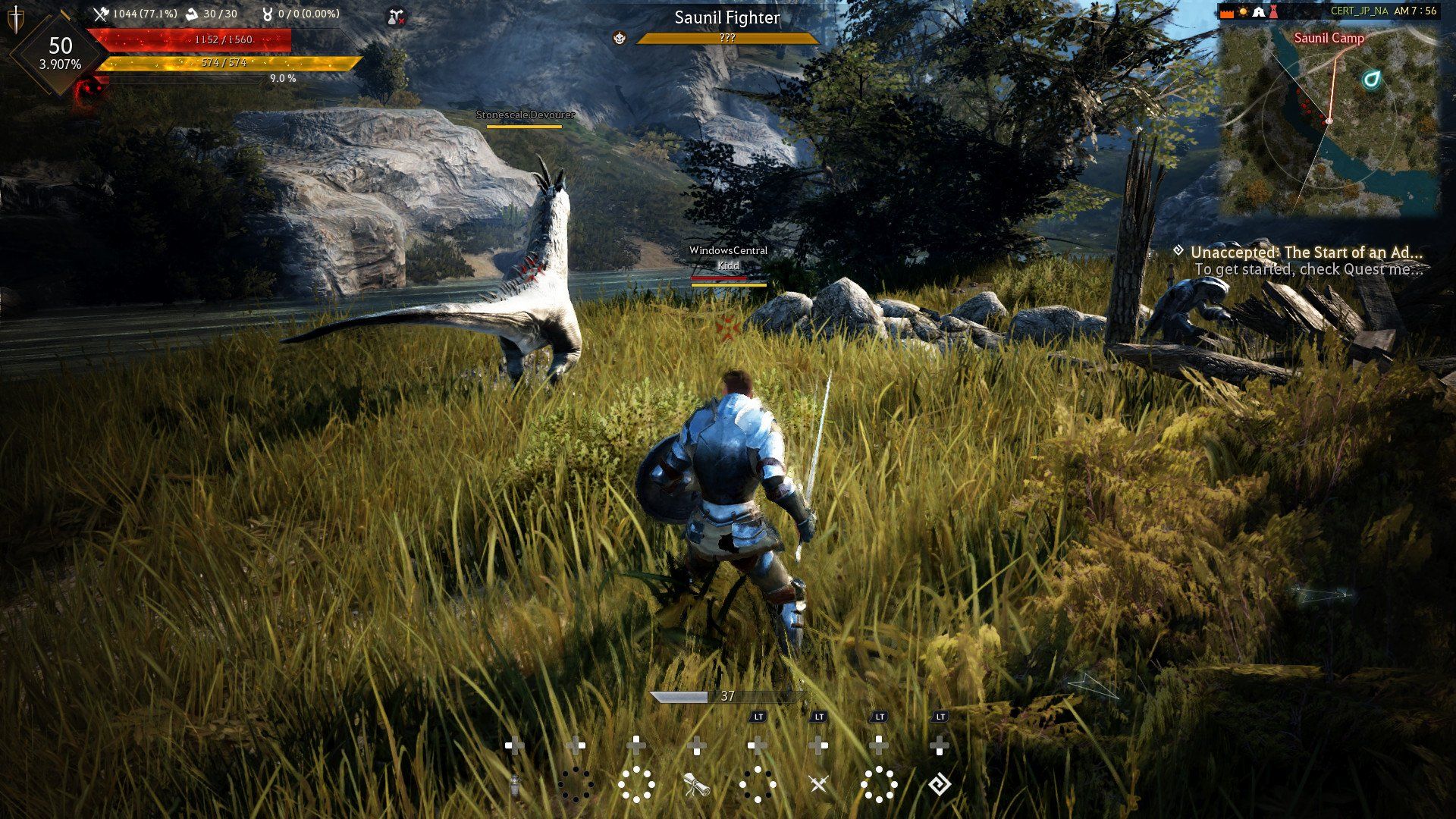
Playing Black Desert Online requires precise mechanical execution and rapid reaction times. Pearl Abyss developed an action combat system that relies heavily on keyboard combos rather than traditional hotbar clicking. If you want to survive PvP node wars or efficiently grind high end monster zones, mastering your keybinds is mandatory. This guide provides the default shortcuts and advanced input techniques used by top tier players to maximize damage output.
Basic Movement and Combat Execution
The combat engine in this MMORPG reads multiple keystrokes simultaneously to trigger specific skills. Your left hand stays anchored to the WASD cluster while utilizing modifier keys for different attacks.
| Action | Default Shortcut |
| Move Forward | W |
| Move Backward | S |
| Strafe Left | A |
| Strafe Right | D |
| Primary Attack | Left Mouse Button |
| Secondary Attack | Right Mouse Button |
| Jump / Vault | Space |
| Sprint | Shift (Hold) |
| Crouch / Prone | Q |
| Evasion / Roll | Shift plus A, S, or D |
| Weapon Awakening Swap | C |
| Kick Attack | F |
| Interact | R |
Interface Navigation and Menu Access
Managing a massive empire of workers, nodes, and inventory requires fast menu access. Opening these panels via keyboard commands saves hours of screen clicking over your playtime.
| Interface Panel | Default Shortcut |
| Inventory | I |
| Character Profile | P |
| Knowledge Base | H |
| World Map | M |
| Quest Log | O |
| Black Spirit | Comma |
| Guild Menu | G |
| Pearl Shop | F3 |
| Beauty Salon | F4 |
| Hide User Interface | Ctrl plus U |
| Free Action Mouse | Ctrl |
Mount Operation and Advanced Horse Drifting
Traveling across the massive continent without fast travel means your horse is your primary tool for speed. Tier 8 and Dream Horses require specific key combinations to activate sprint abilities.
| Mount Action | Default Shortcut |
| Mount / Dismount | R |
| Call Mount | Left Click Mount Icon |
| Charge | Q |
| Drift | A or D plus S |
| Instant Acceleration | F |
| Sprint | Shift |
| Jump | Space |
To perform the fastest travel method known as drift canceling, you must hold your sprint key, activate instant acceleration, and immediately tap your drift keys before the animation finishes to reset the cooldown.
Camera Manipulation and Photo Mode Hotkeys
Black Desert Online features an intricate screenshot engine. You can manipulate depth of field and camera angles directly through your keyboard without opening external menus.
| Camera Action | Default Shortcut |
| Move Camera Position | Arrow Keys |
| Zoom Camera In / Out | Mouse Wheel |
| Adjust Depth of Field | Ctrl plus Arrow Keys |
| Rotate Camera | Shift plus Arrow Keys |
| Apply Photo Filters | Ctrl plus Shift plus Arrow Keys |
Utilizing these commands while the user interface is hidden gives you absolute control over your visual composition, capturing the exact lighting and action frame you need.
Input Buffering and Animation Canceling
To achieve top tier damage in player versus player combat, you must use animation canceling. The game engine allows certain skills to interrupt the recovery frames of other skills. For example, playing a Sorceress or a Ninja involves pressing a movement ability precisely before an attack animation finishes. Instead of placing skills on your hotbar (keys 1 through 0), executing them via direct combinations like Shift plus F or Down plus Right Mouse Button actually reduces the stamina cost and triggers the ability faster.
Another critical mechanic is locking skills. Open your skill tree (K) and click the padlock icon on abilities you accidentally trigger. This prevents overlap and guarantees the correct attack fires when you press the designated keyboard combination.
Frequently Asked Questions About Black Desert Online Controls
How do I hide the UI in BDO?
Pressing Ctrl plus U removes the entire user interface from your screen. This feature is perfect for taking screenshots of your character or recording clean video footage without mini map clutter.
Why are my hotbar skills casting slowly?
Using the numeric keys to cast abilities applies a slight delay compared to the direct keyboard input. Executing a skill through its specific combo bypasses this delay and often consumes less mana or stamina.
How do you use the free mouse cursor?
Press the Ctrl key to unlock your mouse cursor from the camera view. This allows you to click on interface elements, interact with the chat box, or move inventory items while remaining in combat stance.
Can I rebind my awakening weapon swap?
Yes, you can change the C key binding in the settings menu. Many players rebind their awakening swap to a mouse side button to transition between their pre-awakening and awakening weapon kits instantly during a combo string.
How do I lock a skill in Black Desert?
Open your skill menu by pressing K. Hover over the skill you wish to disable from keyboard input and click the small padlock icon. You can still use the skill if you place it directly on your quick slot bar.