
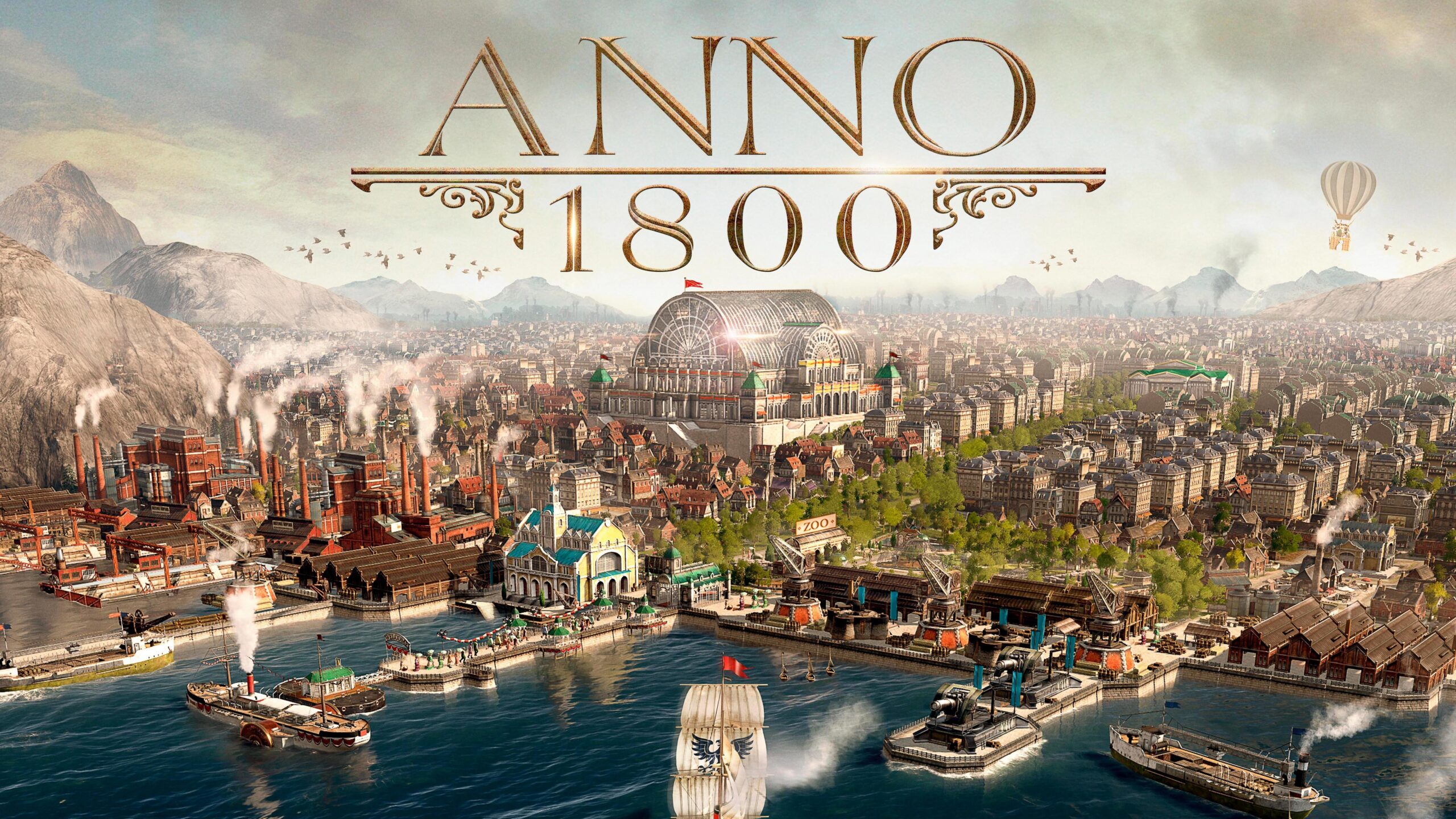
In Anno 1800, managing multiple sessions, balancing complex supply chains, and preventing production bottlenecks requires immense micro-management. Dragging your cursor down to the UI menus to select a road or check a warehouse costs critical seconds. Relying entirely on hotkeys is what separates a casual player from an efficiency expert.
This comprehensive guide details the default keyboard shortcuts for Anno 1800, structured to help you maintain a flawless logistics network across the Old and New Worlds.
1. Camera & View Navigation
Efficiently scanning your island and jumping between focal points is essential when responding to fires, riots, or naval attacks.
| Action | Key Combination |
| Pan Camera | Arrow Keys (Commonly rebound to W, A, S, D) |
| Rotate Camera Left / Right | Z / X (or Hold Middle Mouse Button) |
| Zoom In / Out | Page Up / Page Down (or Mouse Wheel) |
| Reset Camera Position | Home |
| Toggle Postcard View (Cinematic) | F1 |
| Toggle HUD On / Off | Ctrl + G |
| Save Camera Position (1–4) | Ctrl + F5 / F6 / F7 / F8 |
| Jump to Saved Camera Position | F5 / F6 / F7 / F8 |
2. Building & City Construction Tools
Placing structures, grids of houses, and infrastructure layout elements quickly will maximize your available workforce real estate.
| Action | Key Trigger | Tactical Description |
| Build Dirt Road | S | Draws standard basic roads. |
| Build Brick/Stone Road | Shift + S | Draws upgraded high-speed roads. |
| Build Residence | H | Places a basic farmer/jornalero house outline. |
| Build Warehouse | W | Places a localized resource collection depot. |
| Toggle Build Menu | B | Opens or closes the central construction catalog. |
| Rotate Building | , (Comma) / . (Period) | Rotates structures 90 degrees before placing. |
| Change Asset Skin / Variant | Shift + V | Cycles through alternative visual designs for ornaments or houses. |
| Build Farm Fields | G | Selects the farm module placement tool immediately. |
3. Modifiers, Cloning & Destructive Tools
These utility hotkeys alter your active tool mode to duplicate layout designs or dismantle structures in bulk.
| Action | Key Trigger | Tactical Description |
| Toggle Copy Mode (Clone) | C | Clones any targeted building, including its exact footprint settings. |
| Toggle Move Mode | M | Relocates an existing building without demolition costs. |
| Toggle Demolish Mode | D | Activates the wrecking ball cursor tool. |
| Destroy Selection | Delete or Backspace | Instantly deletes a highlighted building without swapping tools. |
| Toggle Blueprint Mode | V | Toggles whether buildings are placed as blueprints or active builds. |
| Upgrade Selected Building | U | Upgrades a house, warehouse, or pier to the next tier. |
| Mass Upgrade Type | Shift + U | Upgrades all identical structures on the island simultaneously. |
| Mass Downgrade Type | Alt (Hold in Upgrade Mode) | Reverts structures to lower tiers to quickly shift workforce needs. |
4. Empire Statistics & Management Panels
The statistical overview panels are the most critical tools in the game. Opening them manually through menu clicks is completely non-viable for a scaling industrial empire.
| Action | Key Combination | Screen / Function |
| Production Statistics | Ctrl + Q | Monitors supply vs. consumption curves (The most important screen). |
| Storage Inventory | Ctrl + W | Checks exact tonnage and reserve limits across islands. |
| Finance Overview | Ctrl + E | Audits upkeep costs, taxes, and royal taxes. |
| Population Breakdown | Ctrl + R | Evaluates tier distributions and workforce availability. |
| Items Menu | Ctrl + T | Searches for available items, specialists, and museum relics. |
| Open Trade Routes Menu | T | Sets up and optimizes charter or manual trade networks. |
| Open Diplomacy | Shift + T or R | Opens relationships and negotiations with AI opponents and pirates. |
| Jump to Next Ruin / Rubble | J | Cycles directly through destroyed buildings for rapid reconstruction. |
5. Ships, Logistics & Session Swapping
Bouncing between continents via the world map takes too much time. Use direct region bindings to switch screens instantly.
| Action | Key Combination |
| Jump to Old World Session | Numpad 1 |
| Jump to New World Session | Numpad 2 |
| Jump to Cape Trelawney Session | Numpad 3 |
| Jump to The Arctic Session | Numpad 4 |
| Jump to Enbesa Session | Numpad 5 |
| Toggle World Map Screen | Spacebar |
| Cycle to Next Ship | Tab |
| Cycle to Previous Ship | Shift + Tab |
| Instant Unload to Harbor | Ctrl + Left Click (On a ship’s cargo slot) |
6. Simulation & Time Management
Adjusting the simulation speed allows you to bypass travel wait times or slow down during complex city renovations.
| Action | Key Trigger |
| Pause Game | P |
| Increase Game Speed | Numpad + |
| Decrease Game Speed | Numpad – |
| Pause Production of Selected Factory | F |
| Pause All Factories of Highlighted Type | Shift + F |
💡 Professional Tip: The “Ctrl + Q” Workflow Standard
If you are struggling with fluctuating revenue or random supply crashes, stop guessing your resource needs. Highlight a warehouse and press Ctrl + Q. This opens the Production Statistics graph.
Ensure the blue bar (Supply) is always slightly higher than the green bar (Demand). If you maintain this ratio across your entire settlement network, you will never drop into negative income from accidental overproduction or workforce collapses.
🥚 Easter Egg: Street View (First-Person Mode)
If you want to walk down your boulevards at ground level, press Ctrl + Shift + R. This triggers a hidden first-person mode where you can control an avatar using standard movement keys, interact with your residents, and view your monuments from their perspective. Pressing U while in this view toggles a series of hidden mini-quests.