
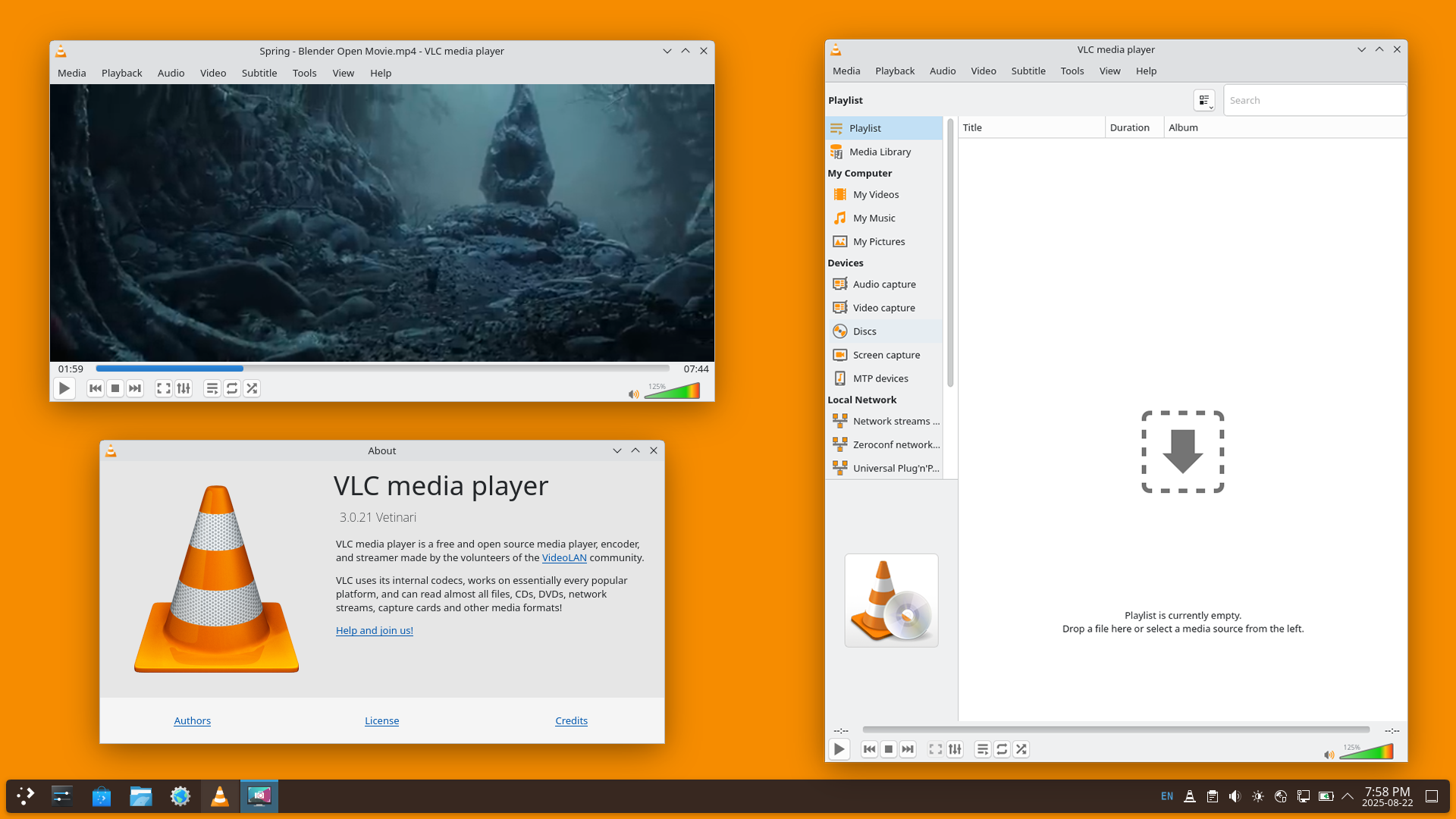
VLC Media Player remains the most versatile open-source media tool for Windows, macOS, and Linux. To truly master your viewing experience, utilizing the VLC keyboard shortcuts is essential for seamless playback control, audio adjustments, and subtitle synchronization. Instead of navigating through complex menus mid-movie, these hotkeys allow for instantaneous changes, ensuring you never miss a frame of your favorite content.
This guide provides a comprehensive list of the most important VLC Media Player keybindings. From basic playback to advanced technical tweaks like audio delay and frame-by-frame advancement, these VLC shortcuts are designed to improve efficiency for both casual viewers and power users.
Essential Playback Controls
The core functions of VLC can be managed entirely through single-key shortcuts.
| Action | Windows / Linux | macOS |
| Play / Pause | Space | Space |
| Fullscreen (Toggle) | F | Cmd + F |
| Exit Fullscreen | Esc | Esc |
| Stop Playback | S | S |
| Mute / Unmute | M | M |
| Volume Up | Ctrl + Up Arrow | Cmd + Up Arrow |
| Volume Down | Ctrl + Down Arrow | Cmd + Down Arrow |
Advanced Navigation and Time Jumps
Navigating through a long video file is much faster when using specific jump durations.
| Action | Shortcut (Windows/Linux) | Shortcut (macOS) |
| Very Short Jump (3s) | Shift + Left / Right | Cmd + Ctrl + Left / Right |
| Short Jump (10s) | Alt + Left / Right | Cmd + Alt + Left / Right |
| Medium Jump (1 min) | Ctrl + Left / Right | Cmd + Shift + Left / Right |
| Long Jump (5 mins) | Ctrl + Alt + Left / Right | Cmd + Alt + Shift + Left / Right |
| Next Frame | E | E |
| Go to Specific Time | Ctrl + T | Cmd + T |
Audio and Subtitle Synchronization
If your audio or subtitles are out of sync, these dedicated VLC hotkeys allow you to adjust the delay in real-time without restarting the video.
| Action | Keyboard Key |
| Cycle Audio Tracks | B |
| Increase Audio Delay | K |
| Decrease Audio Delay | J |
| Cycle Subtitle Tracks | V |
| Increase Subtitle Delay | H |
| Decrease Subtitle Delay | G |
Display and Interface Adjustments
Optimize the visual aspect of your media with these display shortcuts.
| Action | Keyboard Key |
| Cycle Aspect Ratio | A |
| Cycle Crop Mode | C |
| Zoom Mode (Cycle) | Z |
| Take Video Snapshot | Shift + S |
| Hide / Show Controls | Ctrl + H |
| Open Preferences | Ctrl + P |
Professional Tip: Customizing Hotkeys
If the default VLC keybindings do not suit your workflow, you can easily reassign them. Navigate to Tools > Preferences > Hotkeys (Windows) or VLC > Settings > Hotkeys (macOS). Double-click any action to set a new custom shortcut that fits your specific needs.