
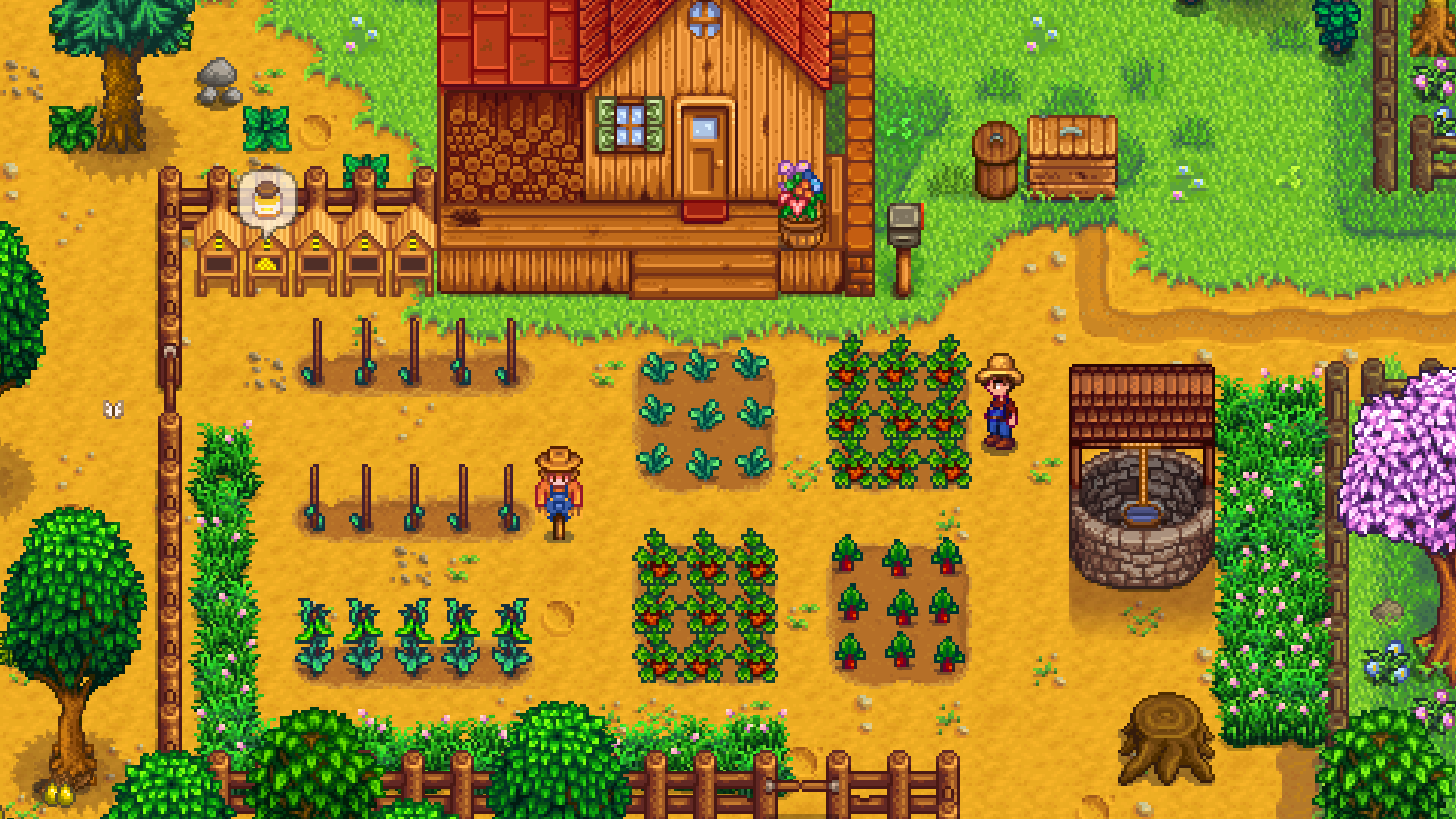
While Stardew Valley is a relaxing country-life RPG, optimizing your farm, navigating the dangerous levels of the Skull Cavern, and managing thousands of crops requires efficient inventory and tool movement. Instead of manually clicking through your hotbar, mastering the default keyboard shortcuts can save you valuable in-game time before the clock hits 2:00 AM.
This guide provides a comprehensive breakdown of the essential Stardew Valley controls, updated to include high-frequency inventory management shortcuts.
1. Character Movement & Navigation
Basic navigation controls to move your character around Pelican Town and the valley.
| Action | Key Trigger |
| Move Up / Left / Down / Right | W / A / S / D |
| Walk / Run Modifier | Left Shift (Hold to walk if auto-run is on) |
| Bike / Horse Mount & Dismount | Right Click or X (Near horse) |
2. Tools, Weapons & Combat Interactivity
These keys dictate how you use your farming tools, swing your sword in the mines, and interact with the environment.
| Action | Mouse Shortcut | Keyboard Alternative |
| Use Tool / Attack | Left Click | C |
| Check / Action (Talk, Eat, Open) | Right Click | X |
| Select Hotbar Slots 1–12 | Scroll Wheel | 1, 2, 3, 4, 5, 6, 7, 8, 9, 0, -, = |
| Cycle Hotbar Rows (Up/Down) | No Default | Tab |
3. Menu Shortcuts & UI Overlays
Instead of pressing Escape and clicking through tabs, you can jump straight into specific menus like the map or your journal.
| Action | Key Trigger |
| Open Inventory / Menu | E or Escape |
| Open Map | M |
| Open Journal (Quests) | F |
| Open Chat Box (Multiplayer) | T |
| Open Emote Menu | Y |
4. Advanced Inventory & Purchasing Shortcuts
Managing items, sorting chests, and buying materials in bulk from Pierre or Robin can be tedious. These combinations drastically speed up the process.
| Action | Key Combination | Description |
| Buy / Craft 1 Item | Left Click | Standard single purchase or craft. |
| Buy / Craft 5 Items | Right Click | Purchases or crafts in increments of 5. |
| Buy / Craft 25 Items | Ctrl + Shift + Right Click | Quickly purchases large bundles of seeds or materials. |
| Buy / Craft 999 Items (Max Stack) | Shift + Right Click (Hold) | Rapidly buys/crafts until your inventory is full or you run out of gold. |
| Move Item Directly to Chest/Trash | Shift + Left Click | Instantly transfers a stack between your backpack and a storage chest. |
💡 Professional Tip: The “Tab” Row Swap
As you upgrade your backpack, you unlock up to three hidden rows of inventory space. Instead of opening your inventory menu (E) to drag items to your active hotbar, simply press Tab while playing. This rotates your entire inventory, bringing the next row up to your main hotbar instantly. This is a life-saver in the mines when you need to switch from a pickaxe to food or a bomb mid-combat.
Technical Farm Optimization
If you find yourself accidentally putting pavement down or picking up furniture when trying to harvest crops, navigate to the game options and turn on “Always Show Tool Hit Location.” This places a red indicator box around the exact tile your character is aiming at, ensuring absolute precision when planting seeds or swinging an axe.