
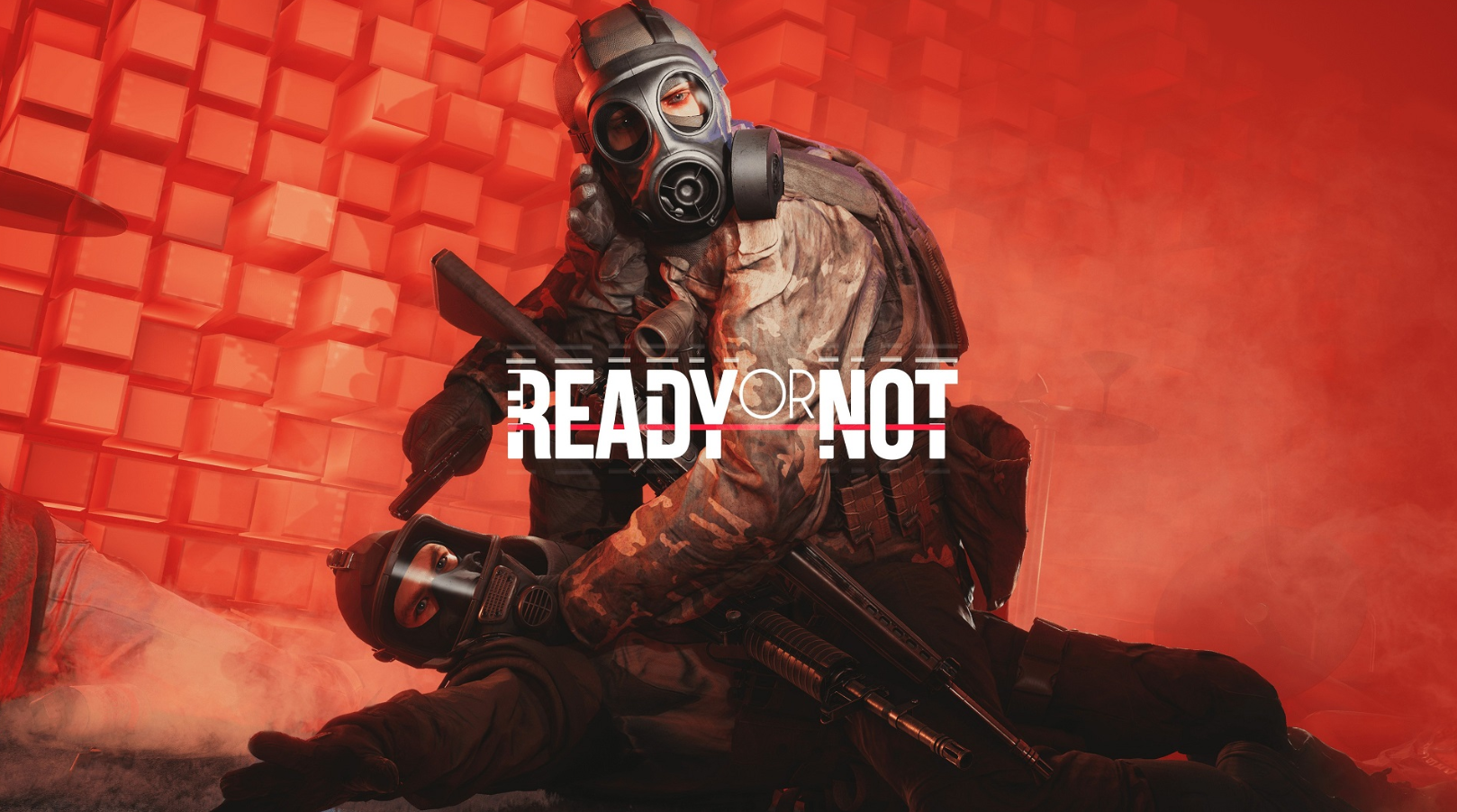
Ready or Not is a high-stakes tactical shooter where precision and coordination are paramount. Mastering the Ready or Not PC keyboard controls is the first step toward successful mission completion. Unlike standard shooters, this title utilizes a complex array of inputs for tactical positioning, weapon manipulation, and team management. Whether you are clearing a room or managing a hostage situation, understanding every default keybinding ensures your team operates with maximum efficiency and adheres to the strict Rules of Engagement.
Effective use of the Ready or Not shortcuts allows players to toggle weapon lights, check magazine counts, and issue commands to AI teammates without delay. This guide covers the complete list of Ready or Not keybindings for the Steam version, including movement, engagement, and the intricate tactical interface. Using these default settings will help you maintain situational awareness in high-pressure SWAT simulation environments.
Movement and Stance Controls
Positioning and speed control are vital for stealth and room clearing.
| Action | Keyboard Key |
| Move Forward | W |
| Move Backward | S |
| Move Left | A |
| Move Right | D |
| Lean Left | Q |
| Lean Right | E |
| Crouch | Left Ctrl |
| Walk (Slow) | Left Shift |
| Sprint | Left Shift (Toggle/Hold based on settings) |
| Free Lean | Left Alt |
| Tactical Walk | Caps Lock |
| Jump | Space (Used for vaulting in specific areas) |
Weapon Handling and Engagement
Ready or Not features realistic weapon mechanics, including manual magazine checks and fire mode selection.
| Action | Keyboard Key |
| Fire Weapon | Left Mouse Button |
| Aim Down Sights (ADS) | Right Mouse Button |
| Toggle Canted Sights | P |
| Reload | R |
| Check Magazine | Hold R |
| Toggle Fire Mode | X |
| Tactical Device (Laser/Light) | T |
| Melee / Bash | B |
| Low Ready Toggle | Home |
| Safety Toggle | J |
Tactical Equipment and Interactions
Interacting with the environment and using your kit is essential for non-lethal and breaching tactics.
| Action | Keyboard Key |
| Interact / Yell for Compliance | F |
| Use Tactical Equipment | G |
| Equip Primary Weapon | 1 |
| Equip Secondary Weapon | 2 |
| Equip Tactical Device | 3 |
| Equip Long Tactical | 4 |
| Equip Grenade | 5 |
| Cyalume (Chemlight) | 6 |
| Multitool | 7 |
| Deploy Shield / Special | 5 |
Team Command and Communication
Coordination with your squad defines the tactical experience in Ready or Not.
| Action | Keyboard Key |
| Command Interface | Z or Middle Mouse Button |
| Select Gold Team | Mouse Wheel Up |
| Select Red Team | Mouse Wheel Down |
| Select Blue Team | Mouse Wheel Click |
| Cycle Team View (Bodycam) | K |
| Toggle Team View | O |
| Push to Talk (Local) | V |
| Push to Talk (Radio) | B |
| Text Chat | Enter |
Menu and System Shortcuts
Standard UI navigation and interface controls.
| Action | Keyboard Key |
| Pause Menu | Escape |
| Tablet / Objective Menu | Tab |
| Inventory | I |
| Scoreboard | Backtick (`) |
These controls are designed for a standard QWERTY layout. For players utilizing tactical peripherals, most of these Ready or Not default controls can be remapped within the “Settings” menu under the “Controls” tab to accommodate specialized mouse buttons or keypad layouts. Consistency in using these shortcuts will significantly reduce reaction time during dynamic breaches and hostage rescue operations.