
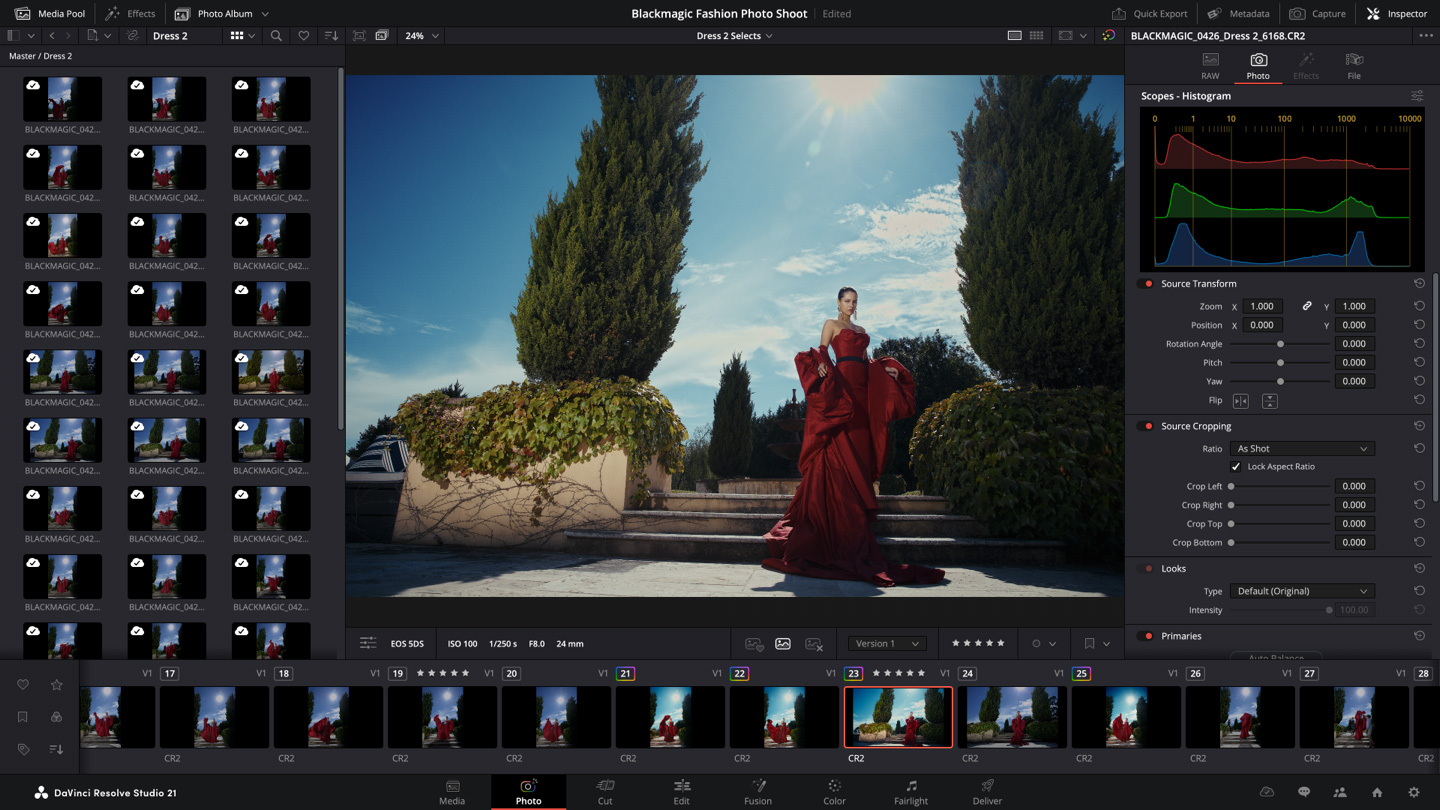
Video editing deadlines demand speed. Clicking through dropdown menus in Blackmagic Design software wastes hours of production time. To edit faster and maintain a steady workflow, you must rely on DaVinci Resolve keyboard shortcuts. This guide covers the default hotkeys for the Edit, Color, Fairlight, and Fusion pages, providing the exact commands professional colorists and editors use to manipulate timelines instantly.
Core Playback and Timeline Navigation
Moving through raw footage efficiently dictates how fast you can assemble a rough cut. The industry standard layout is the foundation of timeline navigation.
| Action | Windows Shortcut | Mac Shortcut |
| Play Forward | L | L |
| Pause / Stop | K | K |
| Play Reverse | J | J |
| Fast Forward | Tap L multiple times | Tap L multiple times |
| Go to First Frame | Home | Cmd + Left Arrow |
| Go to Last Frame | End | Cmd + Right Arrow |
| Zoom In | Ctrl + = | Cmd + = |
| Zoom Out | Ctrl + – | Cmd + – |
| Full Extent Zoom | Shift + Z | Shift + Z |
| Snapping Toggle | N | N |
Pressing Shift and Z simultaneously is a massive time saver. It instantly resizes your entire project to fit on your current monitor screen, allowing you to see every clip without scrolling left or right.
Essential Editing and Trimming Tools
Once your clips are on the timeline, cutting and rearranging them requires precision. Using the mouse to select the blade tool manually is highly inefficient.
| Action | Windows Shortcut | Mac Shortcut |
| Select Tool | A | A |
| Blade Tool | B | B |
| Cut at Playhead | Ctrl + \ | Cmd + B |
| Ripple Delete | Shift + Backspace | Shift + Delete |
| Standard Delete | Backspace | Delete |
| Slip Edit | T | T |
| Insert Clip | F9 | F9 |
| Overwrite Clip | F10 | F10 |
| Undo | Ctrl + Z | Cmd + Z |
| Redo | Ctrl + Shift + Z | Cmd + Shift + Z |
The difference between a standard delete and a ripple delete is critical for timeline management. A standard delete removes the clip and leaves a blank gap. A ripple delete removes the clip and automatically pulls the rest of your timeline backward to close the empty gap.
Advanced Color Grading Node Shortcuts
DaVinci Resolve dominates the post-production industry largely because of its color page. Building node trees quickly gives colorists a massive advantage over users who manually drag connections with their mouse.
| Action | Windows Shortcut | Mac Shortcut |
| Add Serial Node | Alt + S | Option + S |
| Add Serial Node Before | Shift + S | Shift + S |
| Add Parallel Node | Alt + P | Option + P |
| Add Layer Node | Alt + L | Option + L |
| Add Outside Node | Alt + O | Option + O |
| Toggle Node Bypass | Ctrl + D | Cmd + D |
| Bypass All Grades | Shift + D | Shift + D |
| Enable / Disable Clip | D | D |
Many beginners ignore the Outside Node shortcut. Pressing Alt and O automatically creates a new node that selects the exact inverse of the power window or qualifier you just created. This is highly useful for separating skin tones from a background quickly without drawing a second mask.
Fusion and Fairlight Workflow Optimization
Working with visual effects and audio mixing requires specific toolsets. These commands help you manipulate visual nodes and audio tracks faster.
| Action | Windows Shortcut | Mac Shortcut |
| Add Tool (Fusion Search) | Shift + Space | Shift + Space |
| View Node in Viewer 1 | 1 | 1 |
| View Node in Viewer 2 | 2 | 2 |
| Add Audio Track (Fairlight) | Ctrl + U | Cmd + U |
| Toggle Track Mute | Shift + M | Shift + M |
| Toggle Track Solo | Shift + S | Shift + S |
How to Customize Your DaVinci Resolve Keyboard Layout
If you are transitioning from Adobe Premiere Pro or Final Cut Pro, you might prefer your old bindings. Blackmagic allows you to map your keys exactly how you want them.
- Open the application and load any project.
- Click on DaVinci Resolve in the top left menu bar.
- Select Keyboard Customization from the dropdown list.
- Use the search bar in the top right of the new window to find a specific action.
- Click the plus icon next to the action to assign a new hotkey.
- Click the preset dropdown at the top to select industry standard layouts from other editing software.
- Save your new preset to prevent losing your custom bindings during a software update.
Frequently Asked Questions About DaVinci Resolve Shortcuts
How do I cut a clip in DaVinci Resolve without the blade tool?
Move your playhead to the exact frame where you want to make the split. Press Ctrl and the backslash key on Windows, or Cmd and B on Mac. This slices the selected clip instantly without needing to switch tools.
What is the shortcut to export a video in DaVinci Resolve?
There is no single default export button that bypasses the Deliver page. You must click the Deliver tab at the bottom of the screen, or press Shift and 8 to jump to the export module. Once your render settings are ready, you click Add to Render Queue.
How do you copy and paste clip attributes?
Copy your initial clip by pressing Ctrl and C. Select your target clip and press Alt and V on Windows, or Option and V on Mac. This opens a menu where you can choose to paste specific attributes like zoom, crop, or color grading nodes.
How do I undo a mistake in DaVinci Resolve?
Press Ctrl and Z on Windows or Cmd and Z on Mac to undo your last action. You can press this multiple times to step backward through your edit history.
How do you ripple delete a clip?
Select the clip or gap you want to remove on your timeline. Press Shift and Backspace on Windows, or Shift and Delete on a Mac keyboard. This deletes the selection and snaps the remaining footage together automatically.