
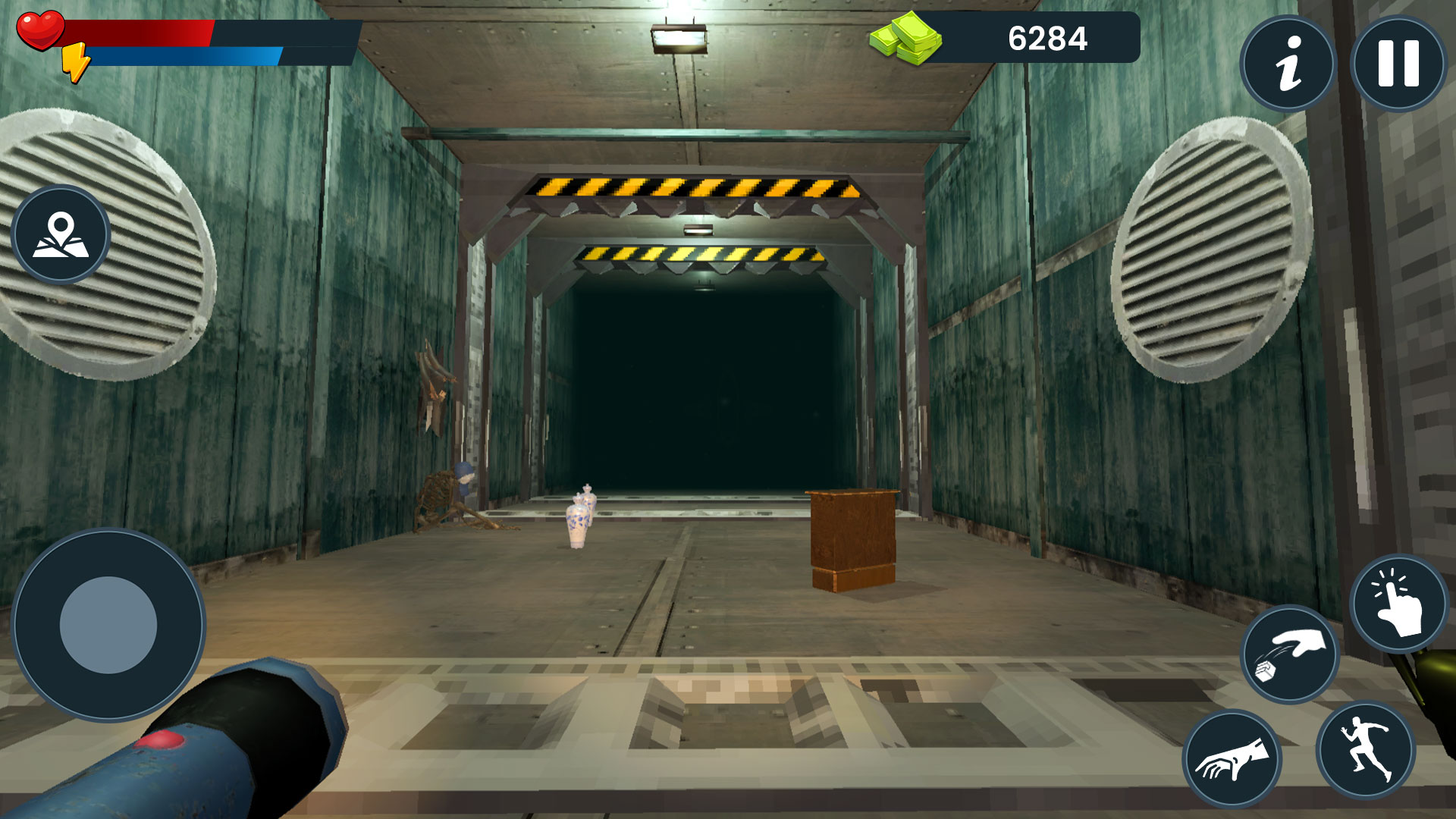
Efficiently navigating the hazardous environments in R.E.P.O. requires a direct understanding of the control scheme. This guide provides the complete list of default keyboard shortcuts for movement, item management, and team communication.
Movement Controls
These keys govern basic character positioning and environmental navigation.
| Action | Keyboard Key |
| Move Forward | W |
| Move Backward | S |
| Move Left | A |
| Move Right | D |
| Sprint | Left Shift |
| Jump | Space |
| Crouch | Left Ctrl |
Interaction and Item Management
Keybindings for interacting with objects, utilizing tools, and managing salvaged items.
| Action | Keyboard Key |
| Interact / Pick Up Item | E |
| Use Primary Tool / Attack | Left Mouse Button (LMB) |
| Secondary Function / Aim | Right Mouse Button (RMB) |
| Drop Held Item | G |
| Switch Held Item | Mouse Wheel / Number Keys (1-4) |
| Flashlight Toggle | F |
| Inventory | Tab |
Communication and System Controls
Use these shortcuts for multiplayer coordination and UI navigation.
| Action | Keyboard Key |
| Push-to-Talk (Voice) | V |
| Text Chat | Enter |
| Emote Menu | Q |
| Pause / Main Menu | Escape |
| Toggle HUD | H |
Technical Configuration Note
For optimal performance in high-pressure salvage situations, ensure your “Sprint” and “Crouch” keys are set to your preference (Toggle vs. Hold) in the gameplay settings menu. Default settings are generally set to Hold for precision movement.