
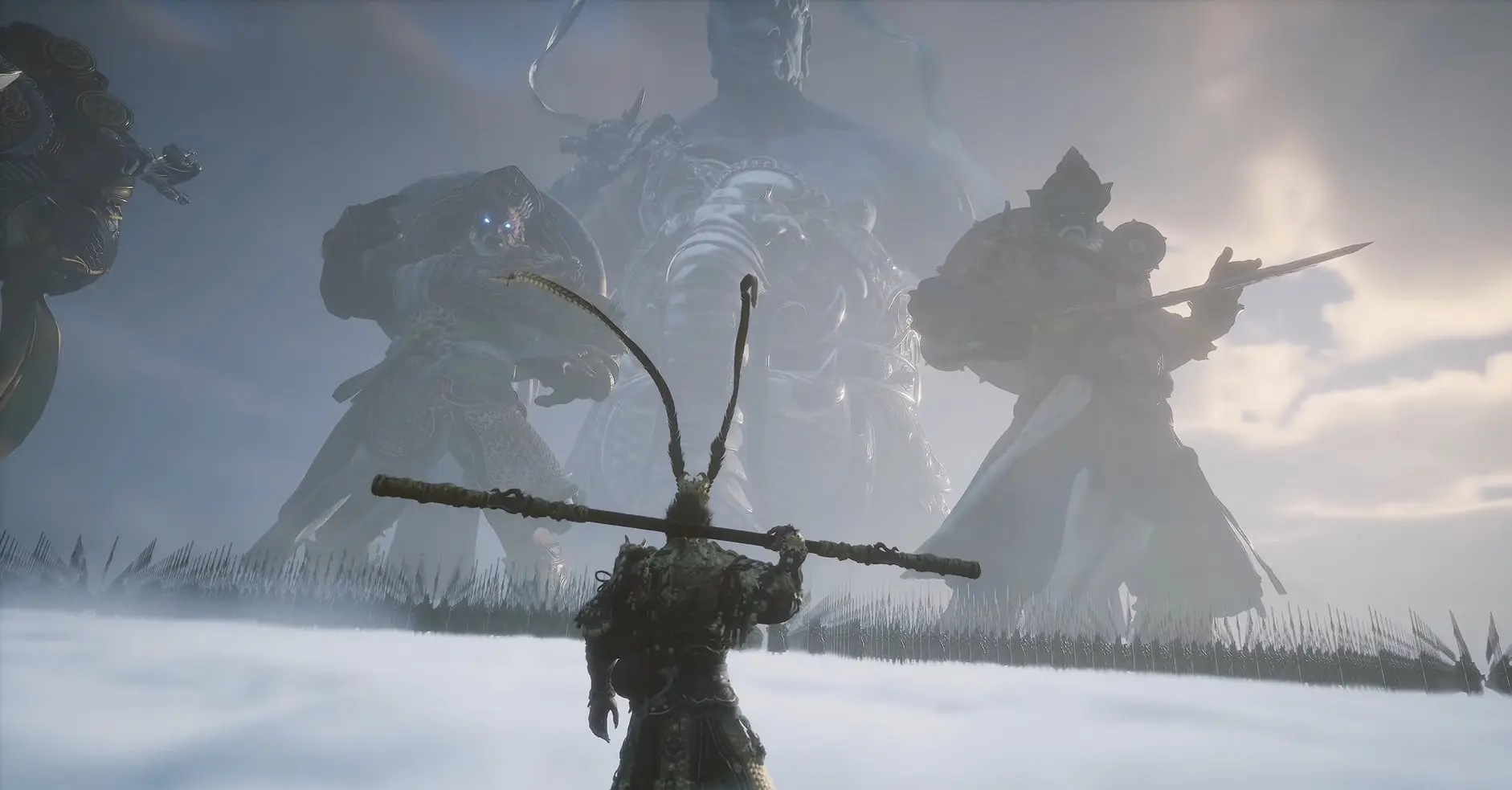
In Black Myth: Wukong, combat is fast-paced and relies heavily on rhythmic dodging and stance switching. While the default controls are serviceable, many high-level players rebind certain keys to make reacting to boss mechanics more fluid.
Below is the complete reference for default controls and the community-recommended “Pro” keybinds.
1. Default Keyboard & Mouse Controls
These are the standard settings when you first launch the game on PC.
| Action | Default Key |
| Move | W, A, S, D |
| Light Attack | Left Mouse Button |
| Heavy Attack | Right Mouse Button |
| Dodge | Space Bar |
| Jump | Ctrl (Alternative: Space) |
| Sprint | Shift |
| Staff Spin (Deflect) | V |
| Use Gourd (Heal) | R |
| Interact | E |
| Lock-On / Reset Camera | Middle Mouse Button |
| Spells (1-4) | 1, 2, 3, 4 |
| Use Spirit / Vessel | Q |
| Photo Mode | P |
Stance Shortcuts
- Smash Stance: Z
- Pillar Stance: X
- Thrust Stance: C
2. Best Recommended Keybinds (Community “Pro” Setup)
Many players find the default Ctrl for Jump and Space for Dodge counter-intuitive compared to other action RPGs (like Elden Ring or Sekiro). Here is the most popular optimization:
| Recommended Change | New Key | Why? |
| Jump | Space Bar | Standard in almost every PC game; much more natural for platforming. |
| Dodge | Left Shift | Placing Dodge on Shift allows for faster “perfect dodge” reactions. |
| Sprint | Caps Lock or Side Mouse | Since you sprint often during exploration, a toggle or side button saves your pinky. |
| Staff Spin | Side Mouse Button 1 | The V key is awkward to reach during combat. Moving this to a mouse button allows you to deflect projectiles while moving freely. |
| Heal (Gourd) | Side Mouse Button 2 | Allows you to heal instantly without taking your fingers off the movement keys (WASD). |
3. Combat & Movement Tips
- The Dodge Queue: Black Myth: Wukong allows you to “buffer” your next move. If you spam the dodge key, you may accidentally dodge twice, leaving you vulnerable. Practice timing the space/shift press exactly when the enemy’s weapon flashes.
- Stance Swapping: You don’t always need to use Z, X, C. You can also swap stances using the Mouse Wheel if you bind it in the settings, which can feel smoother during a chaotic boss fight.
- Staff Spin (V): Don’t ignore this! It is your only way to deflect incoming arrows and projectiles. If you find the V key hard to hit, move it to Q or F and move those actions elsewhere.
- Focus Points: Your heavy attacks (Right Click) are significantly more powerful when your Focus Points (bottom right circles) are full. Try to land a full Light Attack combo first to build focus, then unleash the Heavy Attack.
Professional Tip: The “Shift” Sprint Toggle
In the game’s Gameplay Settings, you can enable “Sprint Toggle.” This means you only have to tap your sprint key once rather than holding it down. This is a massive “quality of life” improvement for long exploration segments between boss fights.