
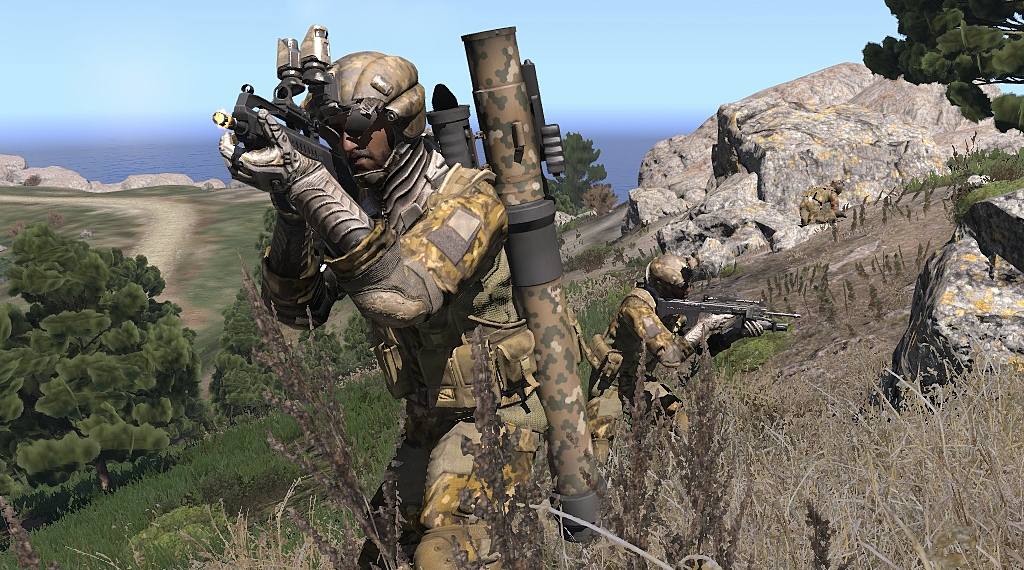
Arma 3 is a true military simulation where the difference between a successful extraction and a “Mission Failed” screen is often how quickly you can adjust your stance or zero your optics. With a keyboard layout that utilizes almost every key—often with three different functions—mastering these default keybindings is essential for high-level play.
This guide organizes the complex controls into digestible tables to help you build the muscle memory required for the battlefield.
1. Infantry Movement & Stance Controls
Arma 3’s “Adjust” system allows for 7 different vertical stances, giving you the perfect line of sight over any cover.
| Action | Key Combination |
| Move Forward / Left / Back / Right | W / A / S / D |
| Sprint | Left Shift (Hold) |
| Toggle Walk / Run | Shift (Tap) |
| Combat Pace (Weapon Ready) | C |
| Lean Left / Right | Q / E |
| Stand / Crouch / Prone | C / X / Z (Default Cycle) |
| Adjust Stance Up (Higher) | Ctrl + W |
| Adjust Stance Down (Lower) | Ctrl + S |
| Step Over / Vault | V |
| Free Look | Alt (Hold) |
2. Combat & Weapon Handling
Effective engagement requires managing your optics and ballistics accurately.
| Action | Key Combination |
| Fire Weapon | Left Mouse Button |
| Toggle Optics (ADS) | Right Mouse Button (Click) |
| Hold Breath (Steady Aim) | Right Mouse Button (Hold) |
| Reload | R |
| Switch Fire Mode / Grenade Launcher | F |
| Zeroing Up / Down | Page Up / Page Down |
| Throw Selected Grenade | G (Handle with care!) |
| Cycle Grenade Type | Ctrl + G |
| Deploy Bipod / Weapon Rest | C (Near cover or prone) |
| Night / Thermal Vision | N |
3. Vehicle & Aircraft Operations
Piloting in Arma 3 requires specific keys for engine management and flight systems.
| Action | Key Combination |
| Enter / Exit Vehicle | Space (Action Menu) |
| Start / Stop Engine | Left Windows or Scroll Wheel |
| Heli Auto-Hover Toggle | L |
| Landing Gear | G |
| Flaps Up / Down | F / V |
| Countermeasures (Flares) | R |
| Vehicle Lights | L |
| Emergency Eject | Ctrl + V (Double Tap) |
4. Interface & Tactical Tools
Situational awareness is your best weapon. Use these tools to stay oriented.
| Action | Key Combination |
| Open Map | M |
| Toggle Compass | K (Double tap to keep on screen) |
| GPS Mini-map | Right Ctrl + M |
| Check Watch (Time) | O |
| Multiplayer Scoreboard / Squad | P |
| Select All Subordinates | ~ (Tilde) |
| Interaction / Action Menu | Mouse Wheel |
💡 Professional Tip: Avoiding the “G” Disaster
In Arma 3, the “I” key opens your inventory, and the “G” key throws a grenade. During high-stress operations, many players accidentally blow up their own squad while trying to check their backpack.
- The Fix: Go to Options > Controls and rebind “Throw” to Double Tap G. This simple change adds a safety buffer that prevents accidental discharges during gear management.